The Top Smart Plugs for Renters: Energy-Saving Power Without Permanent Installation
Looking to save energy and money without drilling holes or messing with your rental’s wiring? Smart plugs are the easy, renter-friendly solution. With no permanent installation required, they transform ordinary outlets into powerful energy management hubs—just plug, pair, and play.
This guide explores the best smart plugs for renters, provides expert tips on choosing and using them, and answers frequently asked questions. Get ready to make your rental greener, smarter, and simpler—without risking your security deposit!
Why Smart Plugs Are Perfect for Renters
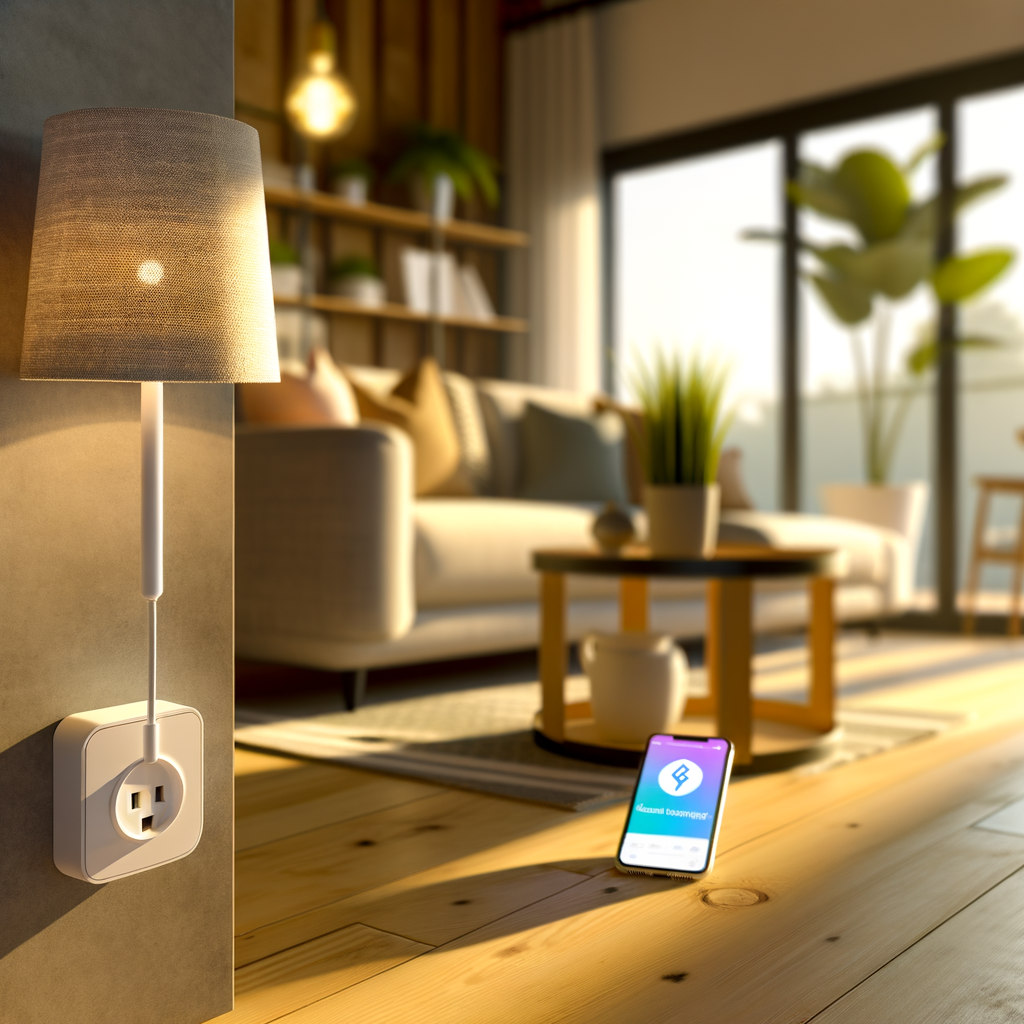
Smart plugs are compact devices that fit between your wall outlet and any appliance, giving you control over power through apps, voice assistants, and programmable schedules. Here’s why they’re a win for renters:
- No permanent installation required: No need to hardwire, drill, or get landlord approval.
- Portability: Take them with you whenever you move—just unplug and pack.
- Energy and cost savings: Track usage, set schedules, and cut down on energy vampires even in older apartments.
- Instant smart home upgrade: Get the convenience of voice and app control, even if your rental isn’t “smart.”
Key Smart Plug Features to Consider
Not all smart plugs are the same. Here’s what to look for, especially if you’re renting:
1. Compatibility
- Voice assistants: Works with Amazon Alexa, Google Assistant, or Apple HomeKit?
- App integration: Easy to control from your smartphone, even away from home?
2. Size & Design
- Low profile: Won’t block multiple outlets or look bulky.
- Color: Neutral designs blend seamlessly in any décor.
3. Energy Monitoring
- Usage tracking: Lets you see exactly how much energy each appliance uses.
- Savings insights: Helpful for making greener choices and lowering utility bills.
4. Scheduling & Automation
- Custom schedules: Automatically turn appliances on/off to fit your routine.
- Scenes & routines: Group with other smart devices for all-in-one control.
5. Wi-Fi vs. Hub Required
- Wi-Fi-enabled: Most renter-friendly; just connect to your router.
- Hub-dependent: May need extra hardware (like Zigbee or Z-Wave hub).
6. Safety & Certifications
- UL-listed: Ensures product safety in U.S. residences.
- Built-in surge protection: Extra layer to protect your devices.
The Benefits of Smart Plugs for Eco-Conscious Renters
Going green is easier when your home works with you. Here’s how smart plugs make a real difference:
- Eliminate “vampire” energy drain: Many devices consume energy even when off. Smart plugs can cut off power entirely.
- Power down remotely: Forgot to turn off the iron or lamp? Use your phone instead of making a trip home.
- Automate energy savings: Use sunrise/sunset timers or away modes for optimal use.
- Improve appliance lifespan: Scheduled shutoffs prevent overheating and wear.
How to Use Smart Plugs in a Rental (Practical Tips)
1. Outlets Near Entryways
- Connect lamps or fans to smart plugs and set them to turn on/off automatically when you come and go.
- Increase safety with scheduled lighting while away.
2. Kitchen Appliances
- Control coffee makers, toasters, or slow cookers remotely—for true “set and forget.”
- Schedule appliances to save energy during peak times or while at work.
3. Home Office Electronics
- Cut phantom power from monitors, printers, or chargers with a single command.
- Set power-down schedules for off-work hours to cut costs and promote safety.
4. Heating and Cooling Accessories
- Plug in portable fans or space heaters safely, automating their usage for comfort and efficiency.
5. Holiday and Decorative Lighting
- Automate string lights and decorations for security and convenience—no timers needed.
What to Avoid: Common Smart Plug Pitfalls for Renters
- Overloading circuits: Plug only one high-power device per smart plug; avoid daisy-chaining extension cords.
- Outdoor use with indoor models: Only use weather-rated plugs outside or near water.
- Poor Wi-Fi signal: If your rental has Wi-Fi dead spots, use a plug close to your router or invest in a Wi-Fi extender.
- Ignoring data privacy: Stick to reputable brands that offer clear privacy policies.
Step-by-Step: Setting Up a Smart Plug in Your Rental
- Plug in the device: Insert the smart plug into your chosen wall outlet.
- Download the accompanying app: (TP-Link, Amazon, Kasa, etc.) on your phone.
- Register or log in: Create an account if prompted.
- Connect the plug: Typically, you’ll use the app to add a new device, follow easy prompts, and connect to your Wi-Fi.
- Test control: Use the app to turn the plug (and your appliance) on and off.
- Set up automation: Experiment with schedules, timers, and routines for efficiency.
Frequently Asked Questions About Smart Plugs for Renters
Q: Can I use smart plugs if my Wi-Fi is unreliable?
Most popular smart plugs require a stable Wi-Fi connection for remote control.
If your Wi-Fi isn’t reliable, consider models with Bluetooth local control or install a Wi-Fi extender to boost your signal in problem areas.
Q: Will smart plugs work when I move to a new apartment?
Absolutely! Smart plugs are entirely portable. When you move, simply unplug, pack, and set up again on your new Wi-Fi network.
Q: Do smart plugs work with power strips?
Yes, but only plug low-to-moderate loads into smart plugs connected to power strips. Avoid daisy-chaining high-wattage devices like heaters or microwaves for safety.
Q: Can smart plugs really lower my electric bill?
Used properly, smart plugs can reduce “vampire” load and automate off-peak use, potentially saving 5-10% on bills annually, depending on your device habits.
How to Make the Most of Your Smart Plugs
Monitor and Make Adjustments
- Review energy reports: Use plugs with monitoring to spot energy hogs.
- Upgrade habits: Use insights to unplug or minimize usage of wasteful appliances.
Automate Thoughtfully
- Leverage routines: Sync plugs with your daily schedule or sunrise/sunset.
- Create “away” scenes: Randomize lights to simulate presence when traveling.
Maintain Security
- Keep firmware updated: Many brands offer automatic updates for security—turn auto-update on.
- Use strong passwords on app accounts: To guard against hacking.
Top Smart Plug Brands for Renters
- TP-Link Kasa: Affordable, user-friendly, and widely available with excellent scheduling features.