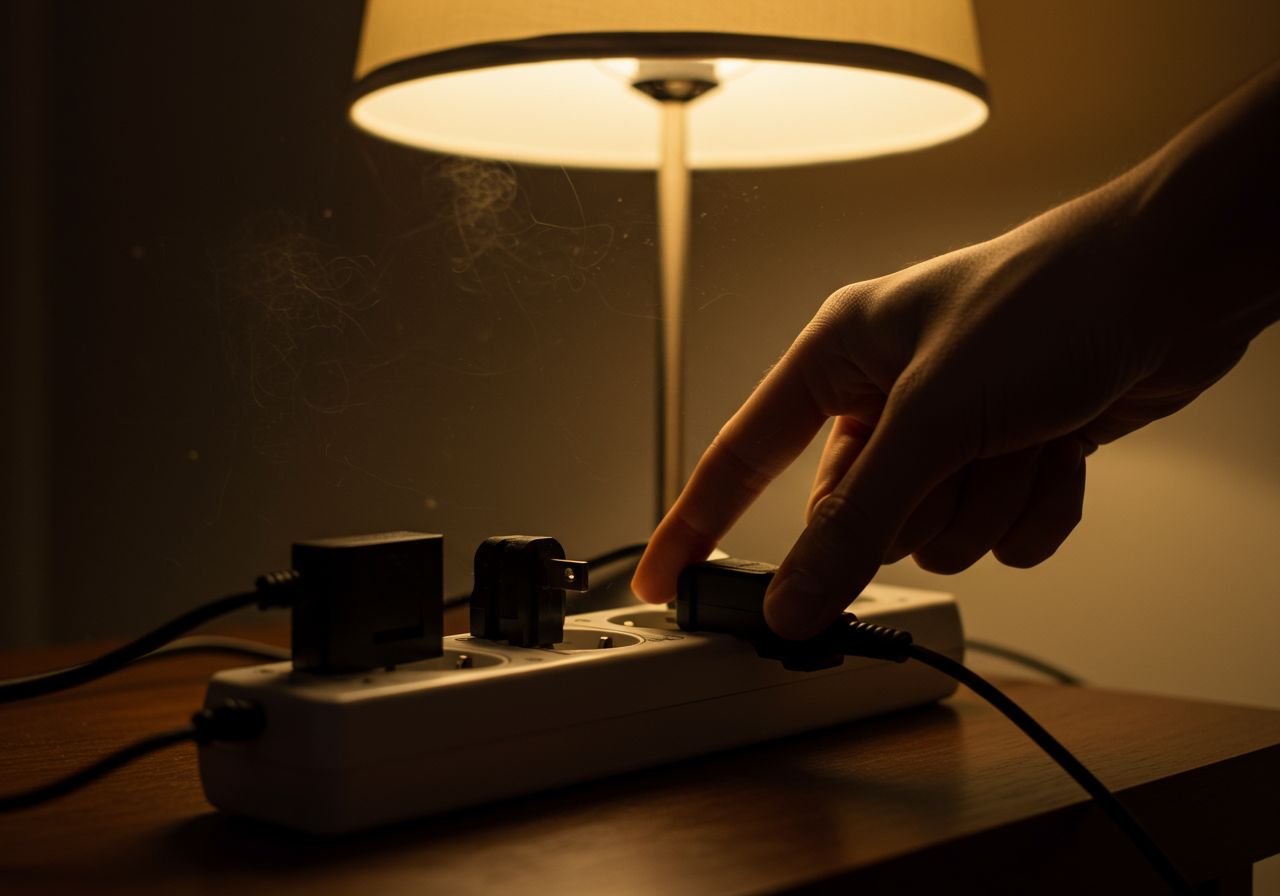
Renters, we get it. You’re passionate about shrinking your carbon footprint, but landlord restrictions can make eco-upgrades tricky. Don’t despair! Even without rewiring the whole place, you can make significant strides in energy conservation. One often-overlooked area ripe for improvement is your entertainment center, a potential hotbed of “phantom load.” What is Phantom Load (and Why Should You Care)? Phantom load, also known as standby power, refers to the electricity consumed by electronic devices even when they’re turned “off.” That glowing little red light on your TV? It’s a silent energy drain. Think of it as an energy vampire, slowly sucking power (and money) from your wallet 24/7. While the drain from a single device might seem small, it all adds up. Collectively, phantom loads can account for a significant portion of your electricity bill and contribute unnecessarily to greenhouse gas emissions. Luckily, tackling this issue is easier than you think, even within the confines of a rental. Identifying the Culprits in Your Entertainment Center The biggest phantom load offenders usually include: Televisions: Even in standby mode, TVs draw power for features like quick start and remote control functionality. Set-top boxes (cable, satellite, streaming): These boxes are notorious for high standby power consumption. Gaming consoles: Modern consoles often have various “rest” modes that still use energy for background updates and downloads. DVD/Blu-ray players: These often draw power even when not in use. Sound systems and speakers: Many audio devices remain partially powered on for instant-on capabilities. Modems and routers: While essential for internet access, these devices draw power constantly. Simple Strategies to Combat Phantom Load Here are some practical and renter-friendly strategies to minimize energy waste in your entertainment center: 1. Embrace the Power Strip The easiest and most effective solution is to plug multiple devices into a power strip and switch it off completely when not in use. This cuts off power at the source, eliminating phantom load entirely. Look for “advanced” power strips with individual switches for even greater control, allowing you to leave essential devices (like your modem) powered on while shutting down others. 2. Unplug When Possible For devices you use infrequently, like a DVD player or gaming console, unplugging them completely when not in use is a simple yet powerful way to prevent phantom load. 3. Utilize “Energy Saving” Settings Many modern electronics offer “energy saving” or “eco” modes. Explore the settings on your TV, set-top box, and gaming console to enable these features. These modes often reduce standby power consumption by limiting background activities. 4. Consider Smart Power Strips While slightly more expensive, smart power strips can be a worthwhile investment. Some models detect when a device is not in use and automatically cut off power, while others can be controlled remotely via an app. This offers a convenient way to manage phantom loads without constantly plugging and unplugging. 5. Talk to Your Landlord (Respectfully) While major renovations are likely out of the question, you might be surprised by your landlord’s willingness to support energy-saving initiatives. If your rental has outdated electronics, respectfully inquire about the possibility of upgrading to more energy-efficient models. Small Changes, Big Impact By implementing these simple strategies, you can significantly reduce phantom load in your entertainment center, saving energy, money, and contributing to a greener planet – all within the limitations of renting. Don’t underestimate the power of small changes; collectively, they make a big difference!
Slay the Energy Vampire: Minimizing Phantom Load in Your Rental Entertainment Center