How to Turn Any Rental Into a Smart, Energy-Efficient Haven—Without Changing the Wiring
Living in a rental doesn’t mean you have to settle for inefficient appliances, sky-high utility bills, or a lack of smart home comforts. With a growing market of renter-friendly smart gadgets and energy-saving solutions, you can significantly boost your home’s efficiency—without drilling holes or tinkering with the wiring. Here’s your comprehensive guide to making your rental smarter, greener, and more comfortable, all while keeping your security deposit safe.
Why Focus on Energy Efficiency and Smart Tech?
Energy-efficient rentals are cheaper to run, more comfortable to live in, and help shrink your carbon footprint. Smart gadgets add convenience, security, and powerful data to help you make better decisions about energy use. The magic is that most modern products are completely portable and require no permanent modification—making them perfect for renters.
Smart, Energy-Efficient Upgrades—No Wiring Required
Let’s dive into practical, actionable steps to make your space high-tech and eco-friendly without getting on your landlord’s bad side.
1. Smart Lighting for Every Room
- Smart bulbs: These screw into standard fixtures, replacing old incandescent or CFLs with energy-saving LEDs you can control via app, voice, or schedules. No rewiring or special hubs are needed for most bulbs.
- Smart plugs: Want to make a lamp smart but like the bulb you have? Plug the lamp into a smart plug, and voila—remote or scheduled control.
- Dimmable and color options: LED smart bulbs usually offer dimming and color changing without a wall switch.
How it saves energy: Smart schedules and automation mean your lights are on only when needed. LEDs use up to 80% less energy than incandescents.
2. Energy-Monitoring Smart Plugs
- See your real-time energy consumption for anything plugged in—TVs, fans, computers, kitchen gadgets—right from your phone.
- Automate power-off: Schedule power-hungry devices like space heaters or gaming consoles to turn off when you’re out or asleep.
- Find “energy vampires”: Uncover which devices draw power even when off.
Smart plugs don’t require hardwiring and can be taken with you to your next place.
3. Smart Thermostats—Yes, Even for Renters!
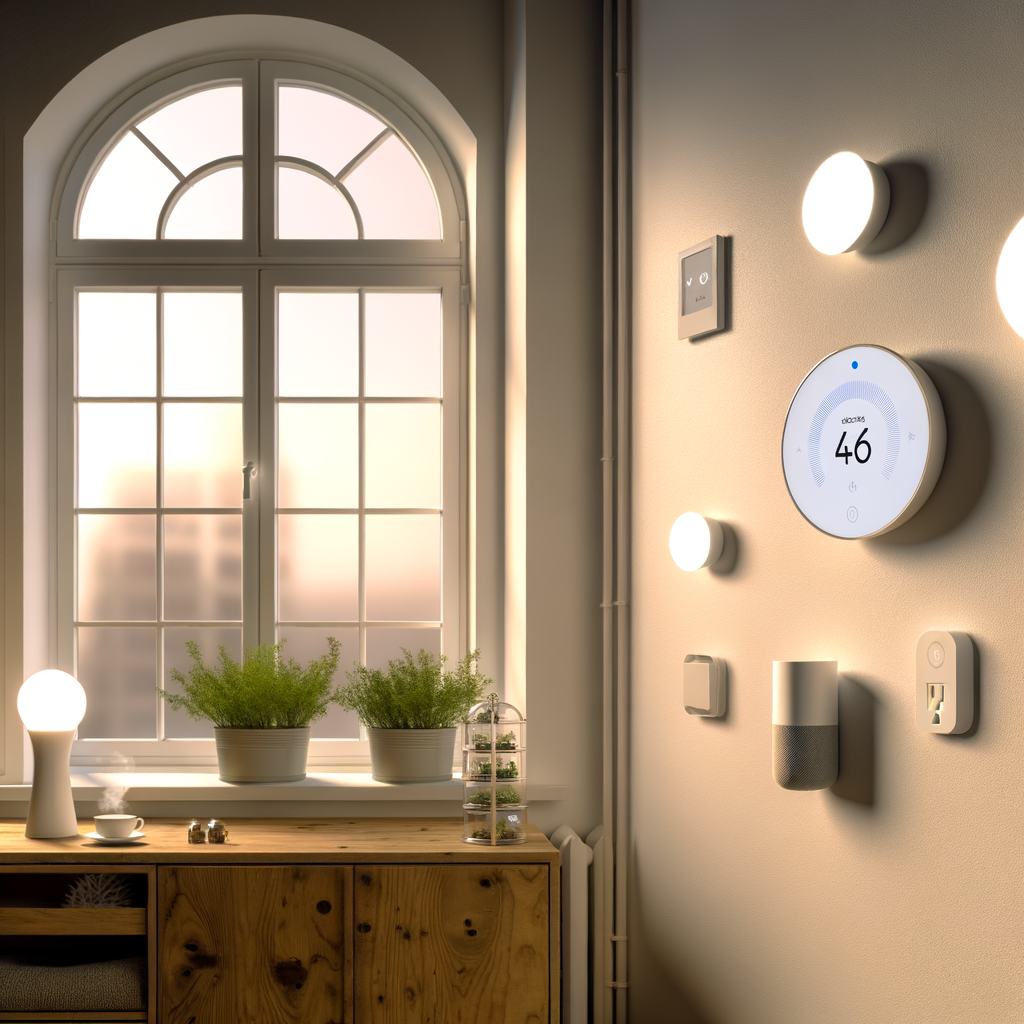
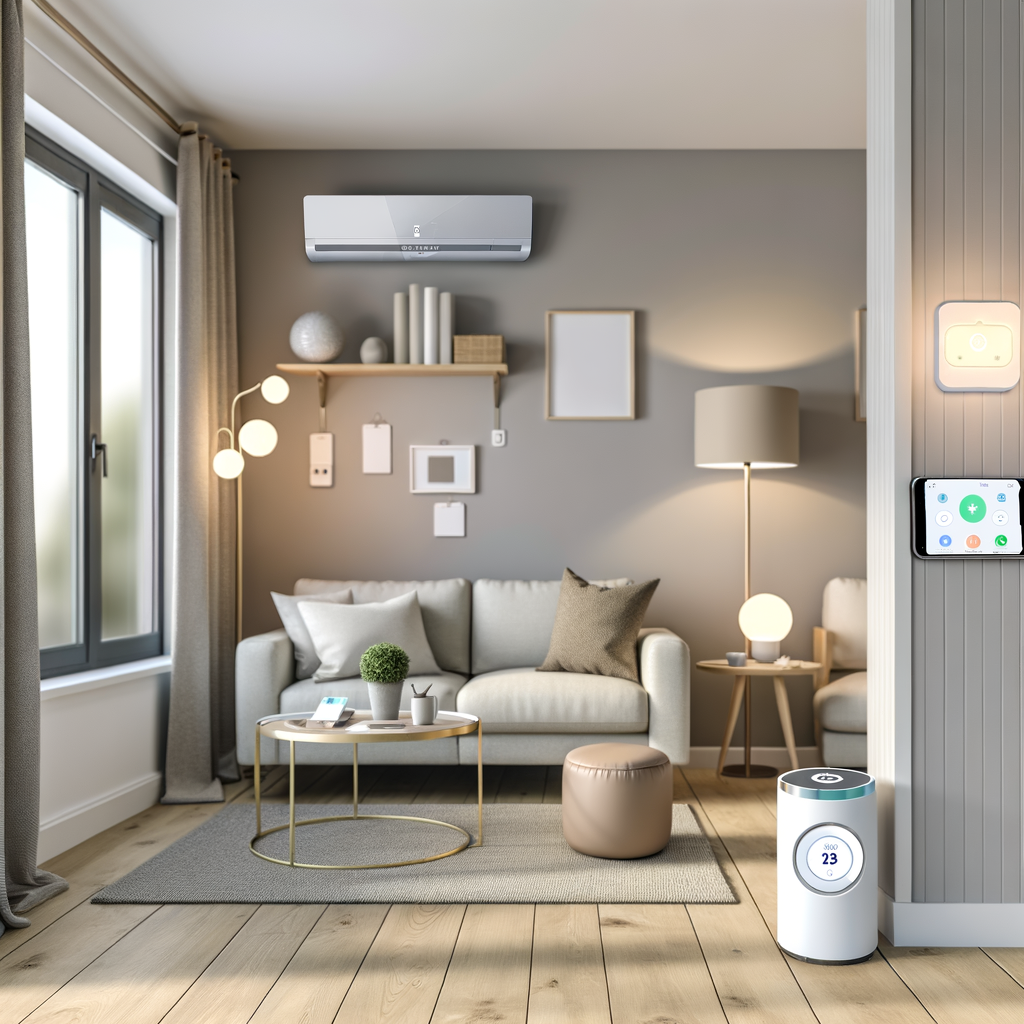
If your rental uses a wall-mounted thermostat (with only low-voltage HVAC), replacing it may be easier than you think—as long as you ask your landlord and keep the old one to reinstall later. But for many, the answer is a portable, plug-in “mini thermostat” designed for window units, portable ACs, or space heaters. These smart controllers can learn your schedule, detect room temperature, and ensure you’re not heating or cooling an empty space.
Look for:
- Smart AC controllers (for window, portable, or ductless mini-splits)
- Plug-in thermostat adapters for space heaters and fans
- Models compatible with Google Assistant, Alexa, or Apple HomeKit
4. Voice Assistants for Energy Control
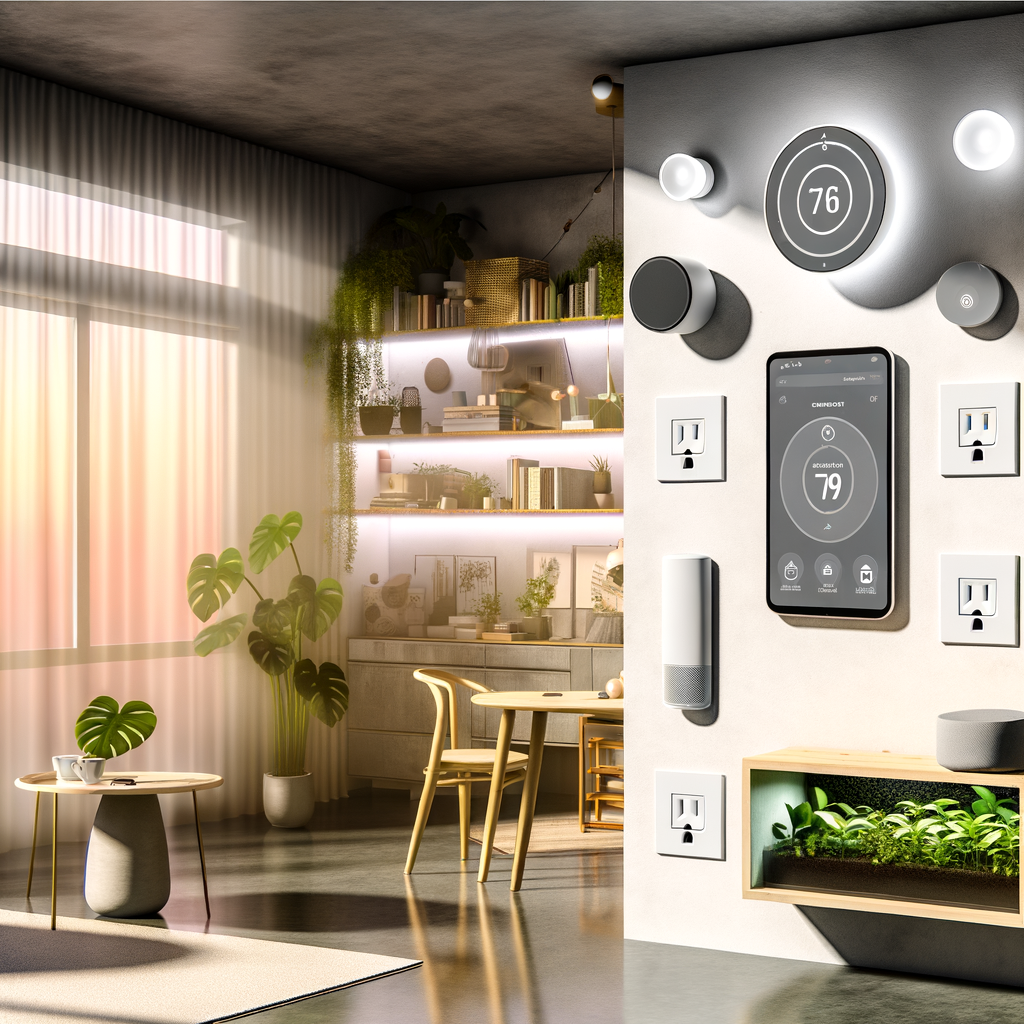
Smart speakers, displays, or voice assistants are the control hub for lighting, plugs, and sensors—all without wiring or mounting anything. They allow you to:
- Control lighting, temperature, and appliances hands-free
- Create “Goodnight” or “Away” routines that cut unused power
- Get real-time reports on energy use (depending on your devices)
Just plug them in and connect to Wi-Fi—they’re completely portable.
5. Easy Insulation & Draft Control
Energy efficiency isn’t just about smart tech. Simple, temporary solutions can save just as much energy, especially in older rentals:
- Weatherstripping or draft stoppers for doors and windows: No tools needed; just peel, stick, or slip under the door.
- Thermal curtains: Keep heated or cooled air inside and block out excessive sunlight on hot days.
- Removable window insulation kits: Transparent plastic film applied with double-sided tape—removes easily in the spring.
- Close vents or block unused rooms with inexpensive draft blockers.
6. Smart Sensors for Comfort and Efficiency
Modern sensors are wireless, battery-powered, and easy to place anywhere:
- Temperature, humidity, and occupancy sensors: Know exactly where your home gets too hot, cold, or humid, and automate gadgets accordingly.
- Door/window sensors: Trigger reminders or automate lights/appliances when you leave or arrive.
Many of these sensors integrate seamlessly with smart speakers or hubs.
Step-by-Step: Making Your Rental Smarter and Greener
Step 1: Assess Your Energy Use
- What are your highest energy bills—electric, gas, water?
- Which devices are always on or left running?
- Are there rooms you rarely use that still get cooled/heated or fully lit?
Understanding your biggest energy drains helps you prioritize your upgrades.
Step 2: Choose Portable, Plug-and-Play Smart Devices
- Replace old bulbs with smart LEDs in living spaces, bedrooms, and key lamps.
- Add smart plugs to TVs, coffee makers, fans, and devices without built-in scheduling.
- Set up a smart speaker/display in your central living area as your automation hub.
- Consider a portable smart thermostat controller if you use a window or portable AC/heater.
Step 3: Optimize Comfort and Control
- Set schedules and automations for your lights and plugs using your phone or smart assistant.
- Create scenes, like “Movie Night” (dim lights, turn on TV), “Workday” (power off gaming system), or “Vacation” (randomly cycle lights).
- Use sensors to automate heating/cooling based on occupancy or to trigger reminders, like a nudge if a window is open when the heat is on.
Step 4: Patch Up Drafts and Insulate
- Add weatherproofing materials where you feel drafts—especially near doors and old windows.
- Hang thermal curtains or use window film kits to insulate cheaply.
- Close vents and block off seldom-used rooms to save on heating/cooling.
Step 5: Track Your Energy Savings
- Monitor your utility bills to see the before/after impact.
- Use energy-monitoring smart plugs or apps to visualize real-time savings.
- Adjust routines as seasons change for maximum effect.
Extra Tips: Renter-Friendly Strategies for Every Budget
- Choose devices you can take with you. Almost all smart bulbs, plugs, sensors, and compact controllers are yours to keep when you move.
- Always label or store any original fixtures or thermostats. Swapping back before you move out helps guarantee your deposit return.
- Double-check Wi-Fi coverage so your smart devices remain reliable, even at the far end of your unit.
- Talk to your landlord before changing thermostats or installing anything permanent (even if it’s easy to undo).
- Start small and expand as you see results—one smart plug or bulb can dramatically upgrade convenience and efficiency.
Common Renter Questions—Answered
Can smart home devices damage my rental?
Most modern smart devices designed for renters are plug-in or screw-in—no screws, nails, or wires required. Always use removable adhesives (like 3M Command strips for mounting sensors), and keep all original fixtures and hardware in a safe spot for reinstallation.
What about privacy and data security?
Choose reputable brands, regularly update device firmware, and use strong, unique passwords for each device and app. You control which devices listen for voice commands, and most allow you to mute microphones or restrict