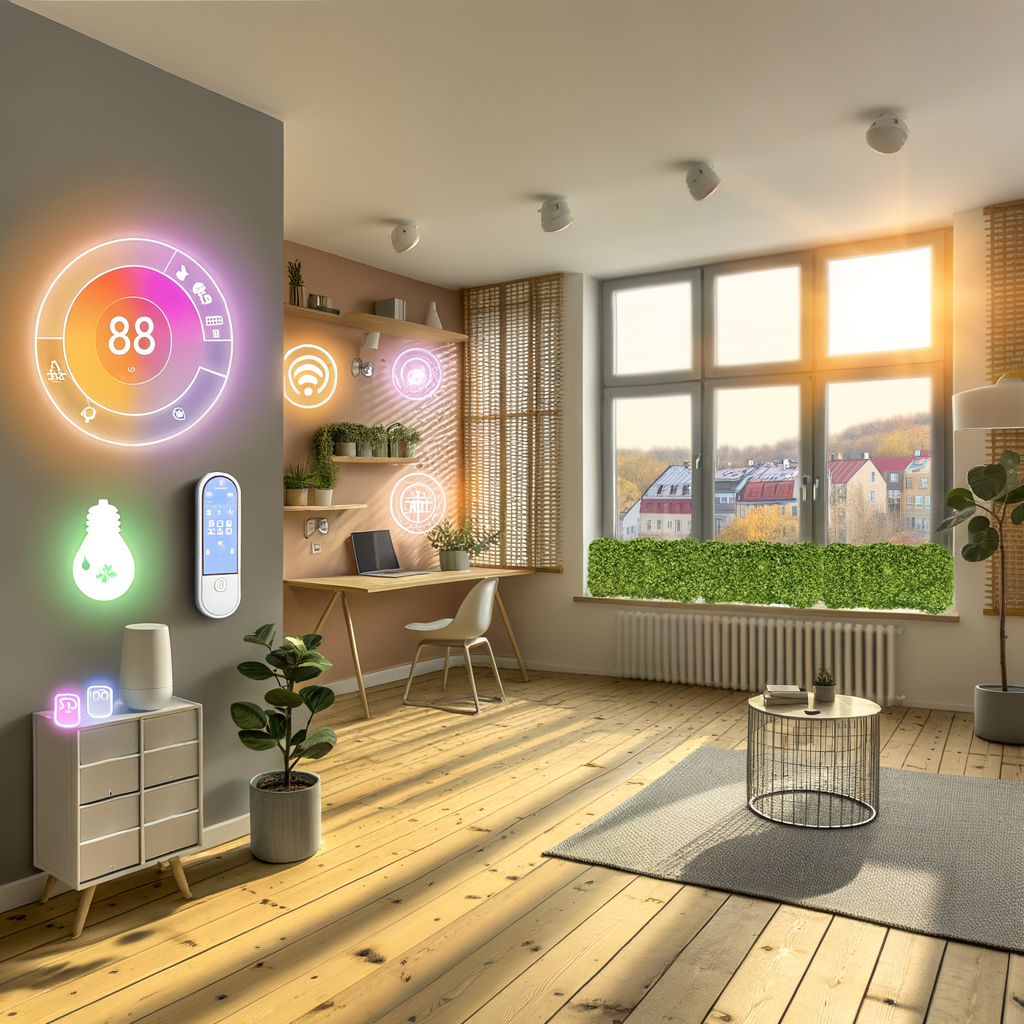
How to Set Up an Energy-Efficient Smart Home in Your Rental—No Renovations Required
Dreaming of a smart home that cuts your utility bills and carbon footprint, but worried you can’t make upgrades as a renter? Good news—you don’t need to bust out the toolbox, hammer, or paint. Setting up an energy-efficient smart home in your rental is totally doable, and you don’t have to touch the drywall or the lease agreement.
This guide will walk you through the essential steps, practical strategies, and top devices to turn your apartment, condo, or rental home into a haven of efficiency—no renovations required. Let’s get started!
Why Go Smart in Your Rental?
For renters, energy efficiency isn’t just about lowering bills. You’ll:
- Reduce your environmental impact
- Increase comfort and convenience
- Potentially boost your home security
- Add flair and functionality—removable smart devices can move with you!
Even without landlord approval for major changes, tech-savvy renters have plenty of options.
Step 1: Assess Your Energy Use—and Your Lease
Do a Quick Energy Audit
Take a look at your rental’s energy consumption. Key spots to check:
- High-traffic rooms with lots of lighting
- Old appliances or electronics left plugged in
- Drafty windows and doors
- Heating and cooling systems
Knowing where the most waste happens helps you target your upgrades efficiently.
Check Lease Restrictions
Most smart home enhancements for renters involve plug-and-play devices or products you can easily remove. Still, review your lease for any limits on:
- Installing new locks or security cameras
- Altering thermostat controls
- Mounting anything on walls (even with 3M strips or adhesives)
When in doubt, communicate your intentions to your landlord or property manager. Many are open to reversible, energy-saving upgrades—especially if you offer to restore things before moving out.
Step 2: Start with Smart Lighting
Why Lighting Matters
Lighting accounts for about 10% of the average rental’s electricity use. Smart lighting lets you:
- Reduce consumption with schedules, motion sensors, and automation
- Cut waste by dimming or turning off lights when not needed
Easy Upgrades for Renters
You don’t need to rewire a thing. Try:
- Smart bulbs: Screw them into your existing lamp or ceiling fixtures. Control them with your phone or voice assistants like Alexa, Google, and Siri.
- Smart plugs: Plug traditional lamps into a smart plug. Set schedules or automate with sensors.
- Motion sensors: Automate entryway, hallway, and closet lighting. Safer and more efficient!
Top Tips
- Replace the bulbs you use most first—like in the living room and kitchen
- Use “vacation mode” lighting for security when you’re out
- Try dimmable smart bulbs for extra energy savings and mood lighting
Step 3: Smart Plugs and Power Strips
Combat Vampire Power
Electronics like TVs, game consoles, and chargers suck energy even when they’re “off.” Smart plugs and power strips give you control and sizable savings:
- Remotely turn off devices via your phone
- Set schedules for lamps, fans, and chargers
- Monitor real-time energy use on select models
They’re portable and require no special installation—perfect for renters.
How to Use Them Effectively
- Plug clusters of devices (TV, soundbar, streaming box) into a smart power strip
- Schedule electronics to turn off overnight or when you’re at work
- Control hard-to-reach outlets with your smart phone or voice command
Step 4: Smart Thermostats—No Wires Needed
Why Thermostats Matter
Heating and cooling is the biggest energy expense in most rentals. If you can’t swap the main thermostat, don’t worry—alternatives abound.
Options for Renters
- Smart radiator valves: If you have radiator heat, these devices go right on the valve, letting you control individual rooms via app—no landlord needed.
- Smart AC controllers: For window or portable units, add a WiFi AC controller to automate schedules and temperature changes.
- Room-by-room comfort: Use smart fans and portable heaters connected to smart plugs (with safety features!) for precise zone heating and cooling.
If you do want to replace your wall thermostat, look for battery-powered, snap-in models that don’t require hardwiring—and ALWAYS ask your landlord first.
Strategy and Settings
- Set energy-saving schedules for work, sleep, and weekends
- Use eco or “away” modes when no one’s home
- Monitor temperature via app and adjust remotely
Step 5: Tackle Drafts with Smart Sensors
Save Energy, Boost Comfort
Even new rentals can lose heat (or cool) through small gaps. Try smart temperature and humidity sensors to:
- Spot leaky windows and doors
- Identify rooms with uncomfortable temperature swings
- Get alerts if temperature/humidity go beyond your set comfort range
Pair these sensors with smart fans, heaters, or AC controllers for seamless efficiency.
Step 6: Watch Your Water Use
Easy Smart Water Solutions
If you pay your own water bill, a few smart gadgets can help:
- Faucet aerators: Simple screw-on upgrades reduce flow while keeping pressure high
- Smart showerheads: Track water usage and temperature, set timers for shorter, eco-friendly showers
- Leak sensors: Place them under sinks and appliances to catch leaks early—protects your deposit, too!
Step 7: Smart Home Hubs—Centralize Control
Do You Need a Hub?
Many smart devices work fine alone or with WiFi, but if you plan to go all-in, a smart home hub offers:
- Centralized app or voice control for all devices
- Better scheduling and automation
- Even more energy savings (e.g. turn off all lights and plugs when you leave)
Hub Options for Renters
- Amazon Echo and Google Home: Easy to set up and move, integrates with most smart devices
- Apple HomePod Mini: Great for Apple-centric renters
- SmartThings Hub: Works with a wide range of brands and products
Choose a hub that fits your devices and ecosystem (Alexa, Google, Apple) for a seamless experience.
Step 8: Smart Security—Protect Without Permanent Installation
Security Options for Renters
You don’t have to drill holes or wire anything to boost security. Consider:
- Wireless video doorbells and cameras: Attach with removable mounts or stick-on pads
- Smart locks and keypads: Many replace only the interior portion of the lock. ALWAYS get landlord permission for any lock change
- Smart sensors for doors and windows: Peel-and-stick sensors alert you if doors or windows open
Look for products that are easy to remove or restore before