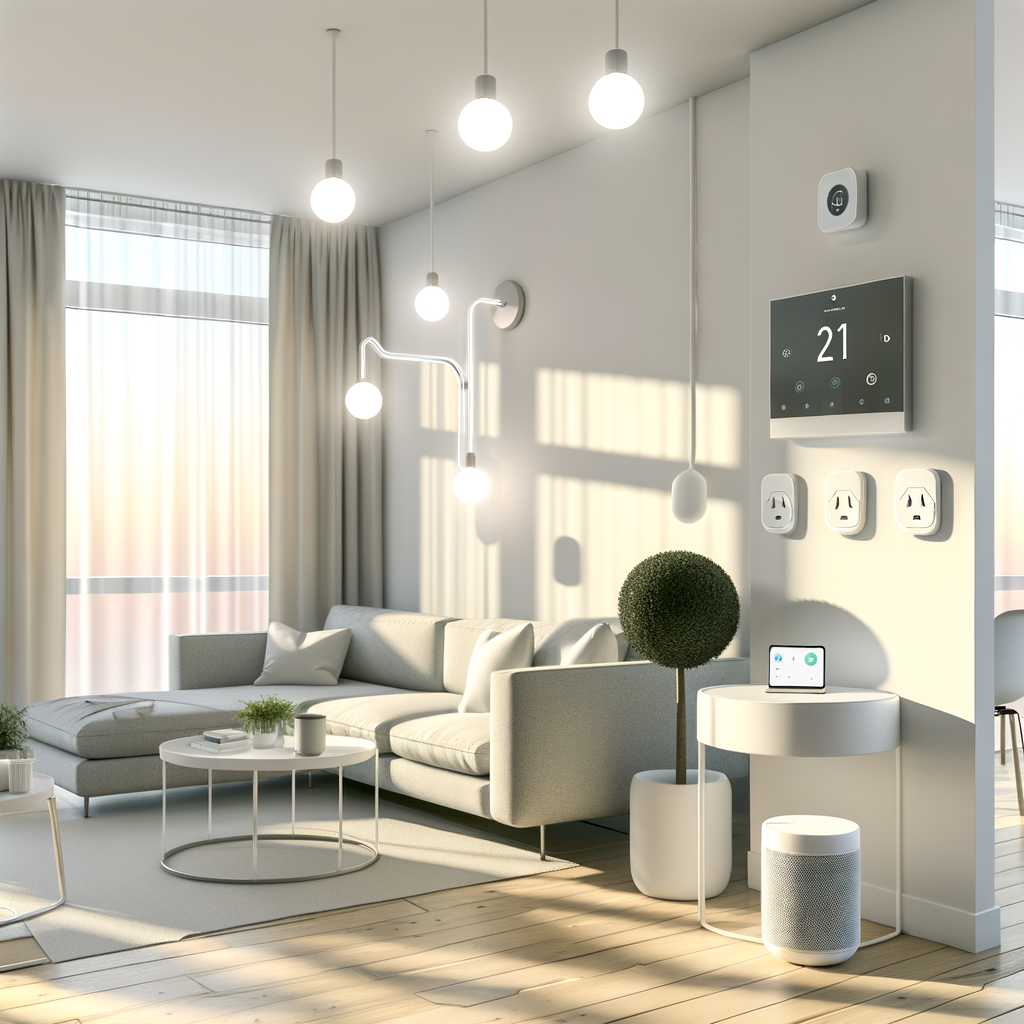
Myth-Busting Smart Homes: 7 Common Misconceptions Renters Have About Eco-Friendly Tech
Smart home technology is more accessible and eco-friendly than ever. From smart thermostats to energy-saving bulbs, renters can now enjoy the benefits of intelligent living. But with so much talk about automation, sustainability, and gadgets, it’s easy to get bogged down by myths—especially if you’re living in a rental.
Whether you’re worried about the upfront costs, landlord permission, or simply don’t know where to start, this guide is for you. We’ll debunk seven of the most common smart home myths and offer practical, actionable eco-friendly tech solutions for renters.
1. Myth: “Renters Can’t Install Smart Home Devices”
Many renters believe that installing smart devices is only possible for homeowners. The common fear is that you need to drill, rewire, or make permanent changes to use smart tech.
Reality: Most Devices Are Simple and Temporary
- No drills required: Most popular devices, such as smart plugs and bulbs, simply plug into outlets or screw into existing fixtures.
- Wireless options: Many modern sensors, cameras, and thermostats stick to surfaces with removable adhesive or use magnetic mounts.
- Rental-friendly thermostats: Look for “no-C wire” models or thermostats designed specifically for apartments, which use batteries or can replace your current thermostat without extra wiring.
Actionable Advice
- Stick to plug-and-play devices such as smart bulbs, plugs, and portable sensors.
- When considering upgrades like a smart thermostat, check with your landlord—it can save money on energy bills, which benefits both of you.
- Before installing anything, always review your lease and gently ask your landlord for written approval if you want to make changes beyond plug-ins.
2. Myth: “Smart Homes Are Too Expensive for Renters”
There’s a belief that all smart home equipment costs a fortune, and thus isn’t practical if you don’t own your property.
Reality: Eco-Friendly Tech Is More Affordable Than You Think
- Entry-level devices: Smart light bulbs and plugs often cost less than $20 per unit.
- Bundled kits: Look out for starter bundles that include multiple devices at a discount.
- Big savings potential: The right smart tech can lower your power bills, potentially offsetting the initial investment in just a few months.
Actionable Advice
- Start with the biggest energy savers: smart plugs, power strips, or LED bulbs.
- Take advantage of seasonal sales and utility rebates on energy-saving devices—check your local power provider’s website.
- Consider buying devices that are easy to take with you when you move, maximizing the value of your investment.
3. Myth: “Smart Tech Is Hard to Set Up and Use”
Many renters think they need to be tech geniuses to set up smart home gadgets or that these devices come with a steep learning curve.
Reality: Most Devices Are Plug-and-Play
- Setup apps: Most smart home brands offer intuitive mobile apps and easy QR code scanning.
- Step-by-step support: YouTube, user manuals, and online communities are filled with setup walk-throughs.
- Voice assistants (like Alexa or Google Assistant) make daily use as simple as asking a question or giving a command.
Actionable Advice
- Start with one device before expanding—try a smart plug to see just how easy setup can be.
- Choose products with strong customer support and active user forums.
- Download and familiarize yourself with the official companion app before connecting devices.
4. Myth: “Smart Devices Don’t Really Save Energy”
Some renters are skeptical about claims that smart tech makes a real difference in energy use and, by extension, environmental impact.
Reality: Small Changes Add Up!
- Smart thermostats can save 10-15% on heating and cooling costs by learning your schedule and adjusting accordingly.
- Energy monitoring plugs report exactly how much power your devices use, helping you cut back on “vampire power.”
- LED smart bulbs consume up to 80% less power compared to incandescent bulbs and can be automated to avoid leaving lights on by accident.
Actionable Advice
- Analyze your energy bills before and after installing smart tech to track savings.
- Set up schedules and automation so your devices turn off when you leave or at night.
- Pair smart plugs with big power users (fans, space heaters, window A/C) for maximum impact.
5. Myth: “My Landlord Will Never Allow It”
Some renters avoid smart upgrades out of fear of violating lease terms or upsetting landlords.
Reality: Many Landlords Appreciate Energy Efficiency Upgrades
- Smart thermostats and LEDs can add value to the property and reduce maintenance costs.
- Temporary solutions: Most smart devices won’t alter the property in any way.
- Some cities and states even encourage landlords to support energy efficiency investments by tenants.
Actionable Advice
- Show how the device benefits both parties (e.g., lower utility bills, safer property).
- Offer to restore any minor changes before moving out (such as reinstalling a previous thermostat if you upgrade it).
- Document all communication and get landlord approval in writing for anything beyond plug-in solutions.
6. Myth: “I’ll Have to Give Up My Devices When I Move”
Renters sometimes assume smart tech is a sunk cost—left behind after a lease ends.
Reality: Most Smart Devices Are Portable
- Smart bulbs, plugs, hubs, and sensors are easy to unscrew/unplug and bring to your next home.
- Portable cameras and sensors use magnetic mounts or adhesive that leaves no residue.
- Cloud-based apps allow you to reset and reconnect your devices in your new place with ease.
Actionable Advice
- Invest in tech that travels easily, and keep the original boxes for secure transport.
- Document your home network’s settings so re-setup at your new place is a breeze.
- Factory-reset smart devices before moving out to safeguard your data and setup process.
7. Myth: “Smart Homes Aren’t Secure”
Stories about data leaks and hacking can make smart tech seem risky, especially in a rental setup.
Reality: Security Is Manageable with Basic Steps
- Top brands use end-to-end encryption and regular updates to protect you.
- You control which data is shared—most devices don’t need cloud access for essential features.
- Securing your smart home network is usually as simple as updating passwords and enabling two-factor authentication.
Actionable Advice
- Choose devices from reputable brands with a history of timely updates.
- Set a unique, strong password for your Wi-Fi network, and activate two-factor authentication where applicable.
- Regularly update device firmware via the official app to patch any vulnerabilities.
- Limit smart device permissions in the app settings to only what’s needed for their main function.
Getting Started: A Practical Path to Your Eco-Friendly Smart Home
Now that we’ve busted the biggest misconceptions, what’s the best way for renters to begin their smart, sustainable home journey? Here’s a step-by-step action